
diados
Extension of the Day

diados

5.0 FREE
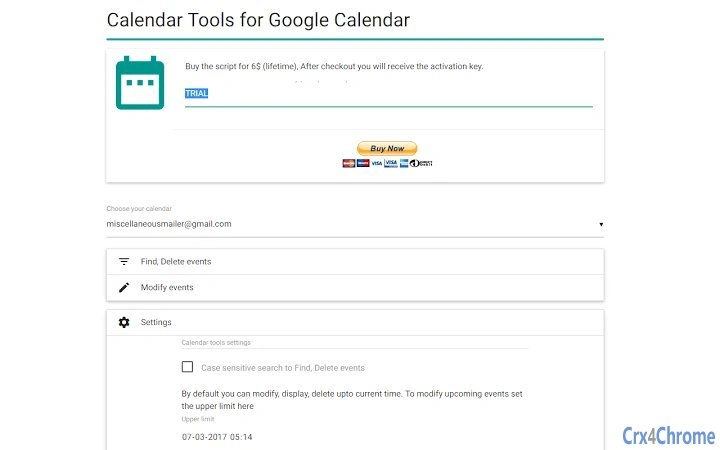
  • Screenshot 1

Description

Lets you to filter, search, export agenda reports to pdf, xlsx, bulk delete different events of your Google calendar.Trial limitations: Fully functional with only 2 event(s) processing.Features:Search events based on- Any keywords- title- description- visibility- creators- location- date time from- date time to- All day event- Recurring event- Owned by me- Guests can invite others- Guests can modify- Guests can see guestsBulk modify events by- date time from- date time to- title- description- visibility- location- Add remove Guests by email-id- Guests can modify- Guests can invite others- Guests can see guestsBulk delete events based on- Any keywords- title- description- visibility- creators- location- date time from- date time to- All day event- Recurring event- Owned by me- Guests can modify- Guests can invite others- Guests can see guestsSort data based on fieldsSearch and Export reports to:- PDF or Excel(.xlsx) or Print or copy to clipboard

Guides & Tutorials for Calendar Tools App for Chrome

How to install Calendar Tools App for Chrome
  1. Click the Preview / Download button above.
  2. Once redirected, accept the terms and click Install.
  3. Wait for the Calendar Tools App for Chrome download to finish on your device.
How to use Calendar Tools App for Chrome

This software is primarily used for its core features described above. Open the app after installation to explore its capabilities.

User Reviews for Calendar Tools App for Chrome 0

    No reviews found

Similar Apps


